
Visual support ideas
Visual support: Choice board
"What would you like to do?" is a wide-open question, and wide-open questions are hard. For many autistic and neurodivergent students the choice itself is the problem: too many options, no way to see them, and a word needed to answer. The result is often "nothing", which is not the real answer.
A choice board shows two to four real options as pictures and lets the student point. It works for free time, break activities, rewards on a first-then board and even which task to start with. Make cards for the options that actually exist in your room and swap them in and out so the board stays honest.
Sample cards
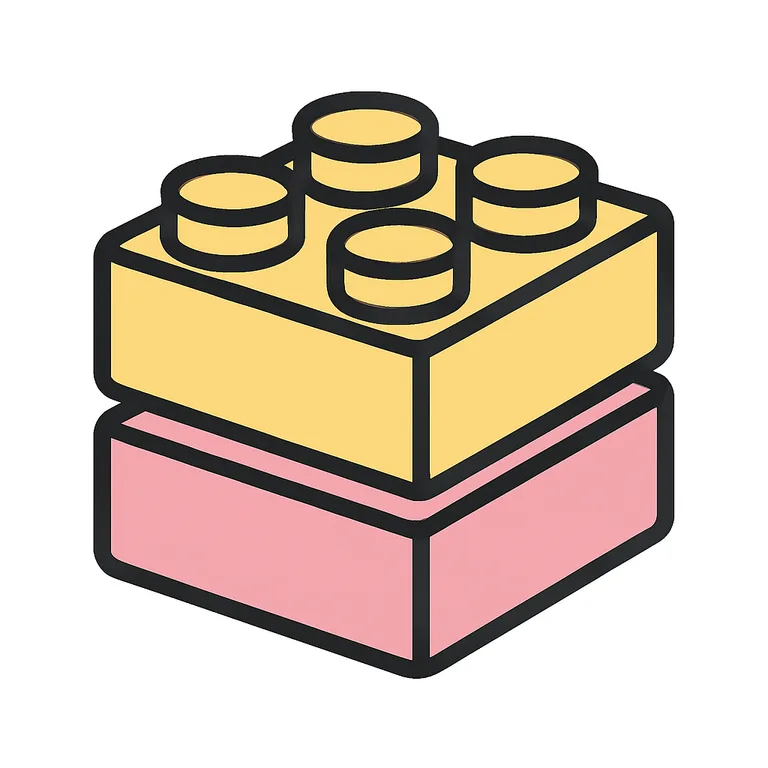
A typical set
- Lego
- Drawing
- iPad
- Puzzles
A sample made with HandsOnTop. Yours is written for your student.
The request is filled in. Choose how many cards, then click Generate.
30 free credits with an account — and one free try with none.
Tips for using it
- Offer only options that are really available right now.
- Start with two choices and build up to four as the board becomes familiar.
- Accept the pointed choice straight away so the board earns trust.
Common questions
How many choices should I show?
Two to four. More than four becomes a menu again. Keep a bigger set of cards and show only the ones that apply at the time.
Can I use it for a student who does not speak?
Yes. A choice board is one of the simplest communication supports there is: the student points or hands you the card. Keep the pictures clear and the labels short.
Does it pair with the first-then board?
Yes. Let the student choose the "then" from a choice board before the "first" starts. The reward chosen by the student is far more motivating than one chosen for them.